
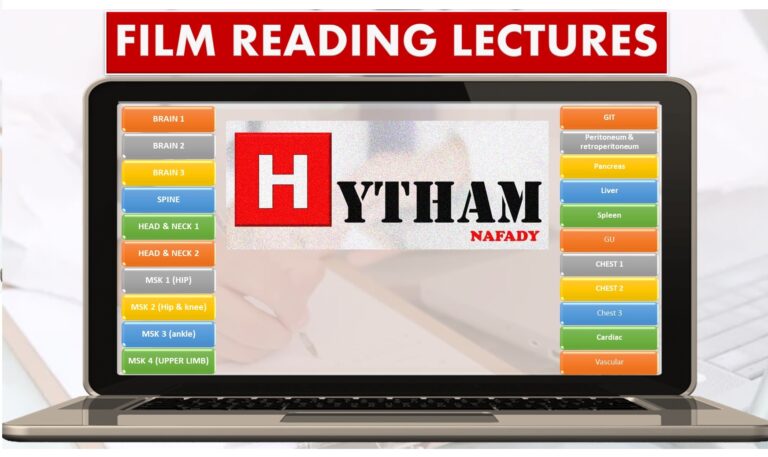
 Revision & exams
Dr. Hytham Nafady · Radiology courses
A New Approach to Radiology
Master CNS imaging, step by step.
Structured radiology courses, reporting skills and exam preparation by Dr. Hytham Nafady.
- Students
- 7,338+
- Courses
- 24
- Lessons
- 379

Systematic approachCNS · Chest · Abdomen · MSK
Every lessonVideo + PDF + slides
The library
Everything you need, organized by track
From anatomy and technique to reporting and the final exam — pick a track and start.
10 courses
System courses
CNS, chest, abdomen, MSK, cardiac and more
3 courses
Revision & exams
Revision, pre-exam revision and exam simulation
2 courses
Reporting
Structured reports with ready templates
7 courses
PDF library
Topic notes to download and revise
2 courses
Start here
Free lectures and the full table of contents
Courses
Radiology can be easy
Revision & exams
 Revision & exams
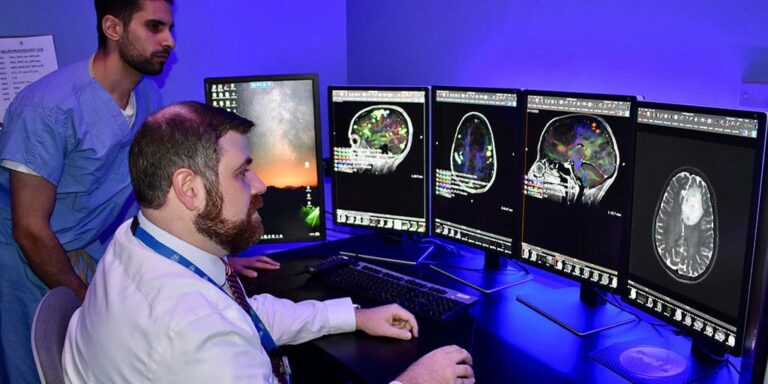 Revision & exams
 Reporting
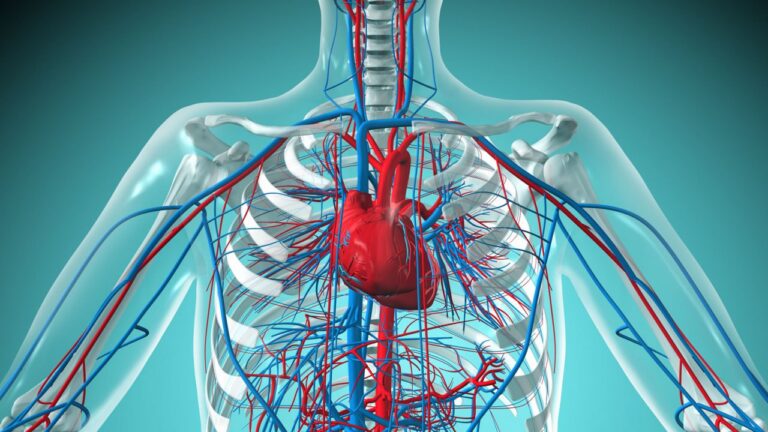 System courses
 System courses
Full access
One payment. Every course. No subscriptions.
- Every system course: CNS, chest, abdomen, MSK, cardiac and more
- Revision, pre-exam revision and exam simulation
- Reporting course with ready templates
- All PDFs and presentations, plus every new course
Full access
25,000 EGP / $600
Activated by the doctor once your payment is confirmed.
Get access on WhatsApp
See what's included
How it works
Learn at your pace, from any device
Four steps between you and the first lesson. Most students are watching the same day.
Create your account- Create your accountSign up with your WhatsApp number in under a minute.
- Message us on WhatsAppWe send the payment details and activate full access once it is confirmed.
- Open the Xvast browserCourse videos play only inside the Xvast browser.
- Watch, download, reviseEvery lesson comes with its PDF and presentation.

For radiology departments
TELERAD EGY teleradiology
Remote reporting by consultant radiologists, every day of the year.
24 h cold cases
90 min emergencies
365 days a year
FAQ
Before you start
The questions students ask us most. Still unsure? We usually reply within a few hours.
Technical supportWhich browser do I need?
Course videos only play inside the Xvast browser. Download it from xvast.com, then log in from inside Xvast. If you open the site in another browser while logged in, you will be logged out.
Why do I see a lock on the videos?
You are not logged in, or your access is not activated yet. Log in first; if the lock stays, message us on WhatsApp.
Where are my courses?
After logging in, open My courses. Click a course name to continue where you stopped.
Why was I logged out?
For account security everyone is logged out once a week. Just log in again with your WhatsApp number.
Which device is best?
A laptop or PC gives the best experience. Phones and tablets work too, as long as you use the Xvast browser.
How much is it, and how do I pay?
Full access to every course is 25,000 EGP / $600. There is no online payment: message us on WhatsApp, we send the payment details and activate your access once it is confirmed.